
A2Z Download Instructions
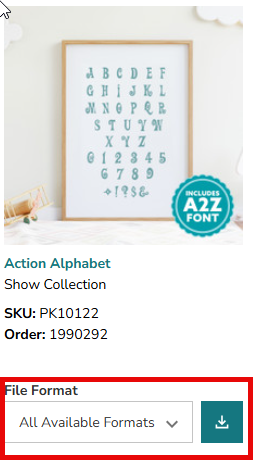
Download the file from OESD.com. Make sure to download all available formats.
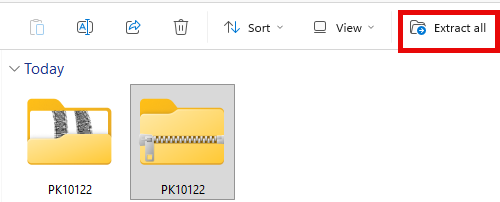
Next extract or unzip the file
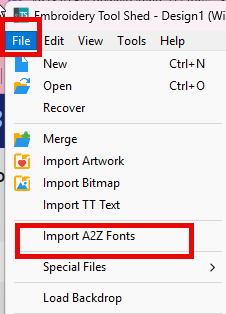
Go into Embroidery Tool Shed to File then Import A2Z Fonts
Find where you saved the unzipped folder and select it, then click on open.
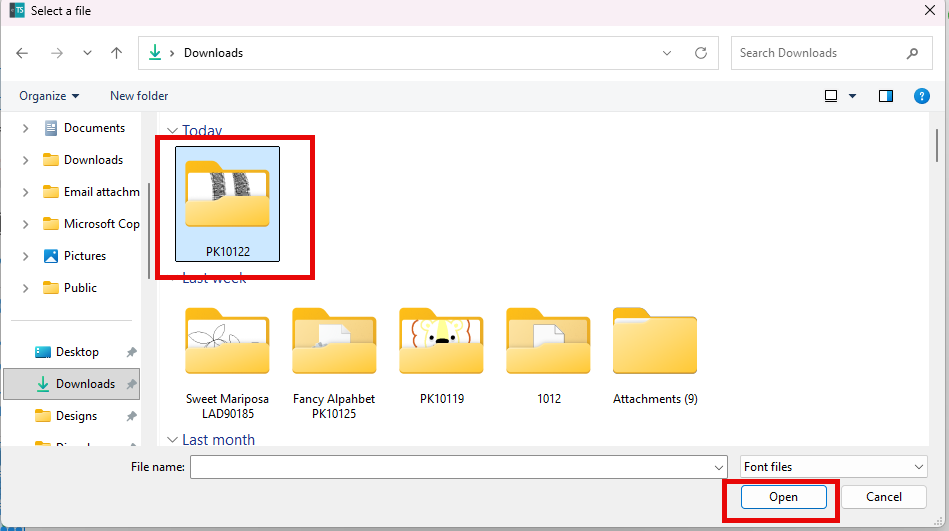
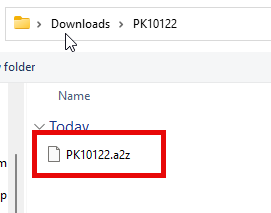
When you go into the open folder you should see the file that has an A2Z extension. Select it and then click on open.
That will then install the font in with your other fonts. It will be named the font name or the file name such as PK10122. We did ask that the download file be changed to Action rather than a number since that is how fonts are saved in the program.