How to install and activate My Quilting Studio
Learn how to successfully install the My Quilting Studio application on your computer and complete the activation process.
Software Installation
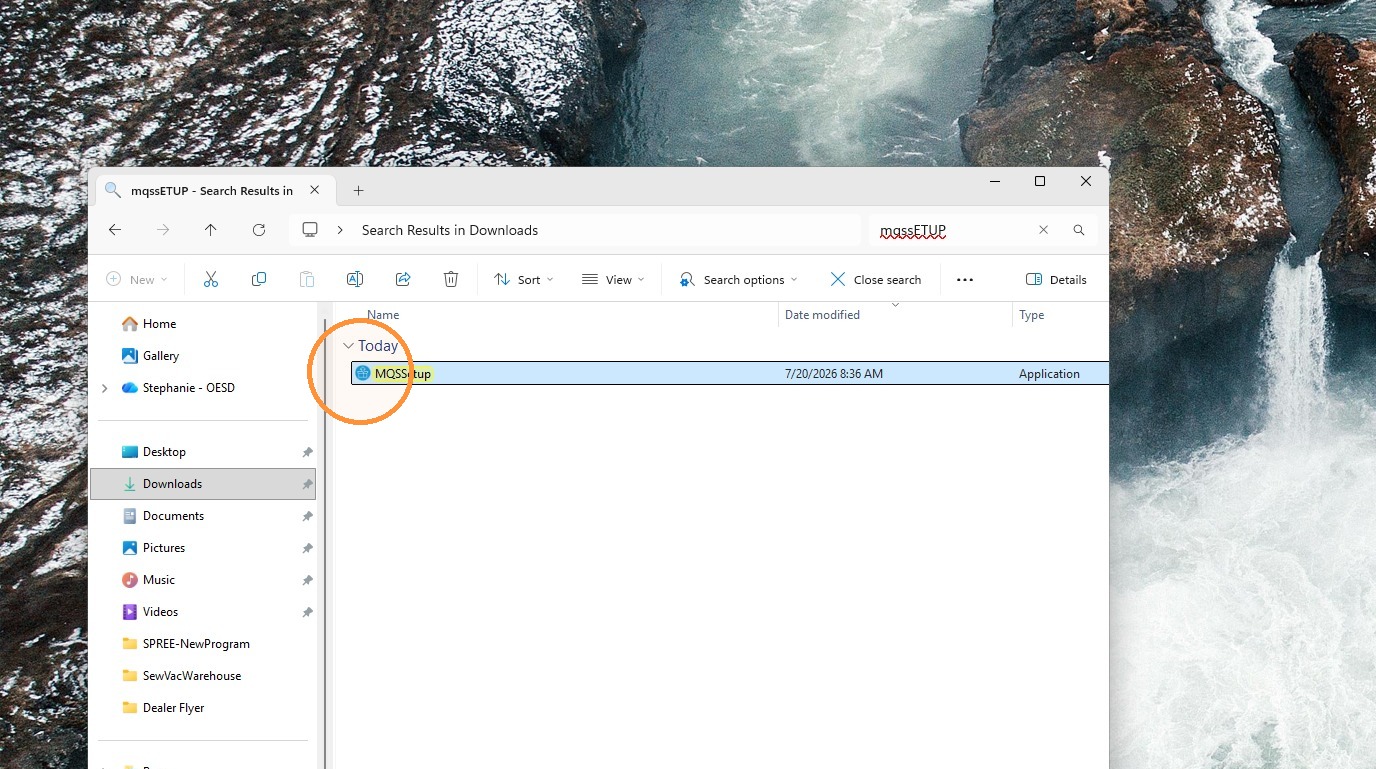
1. Locate and double-click MQSSetup in your downloads folder.
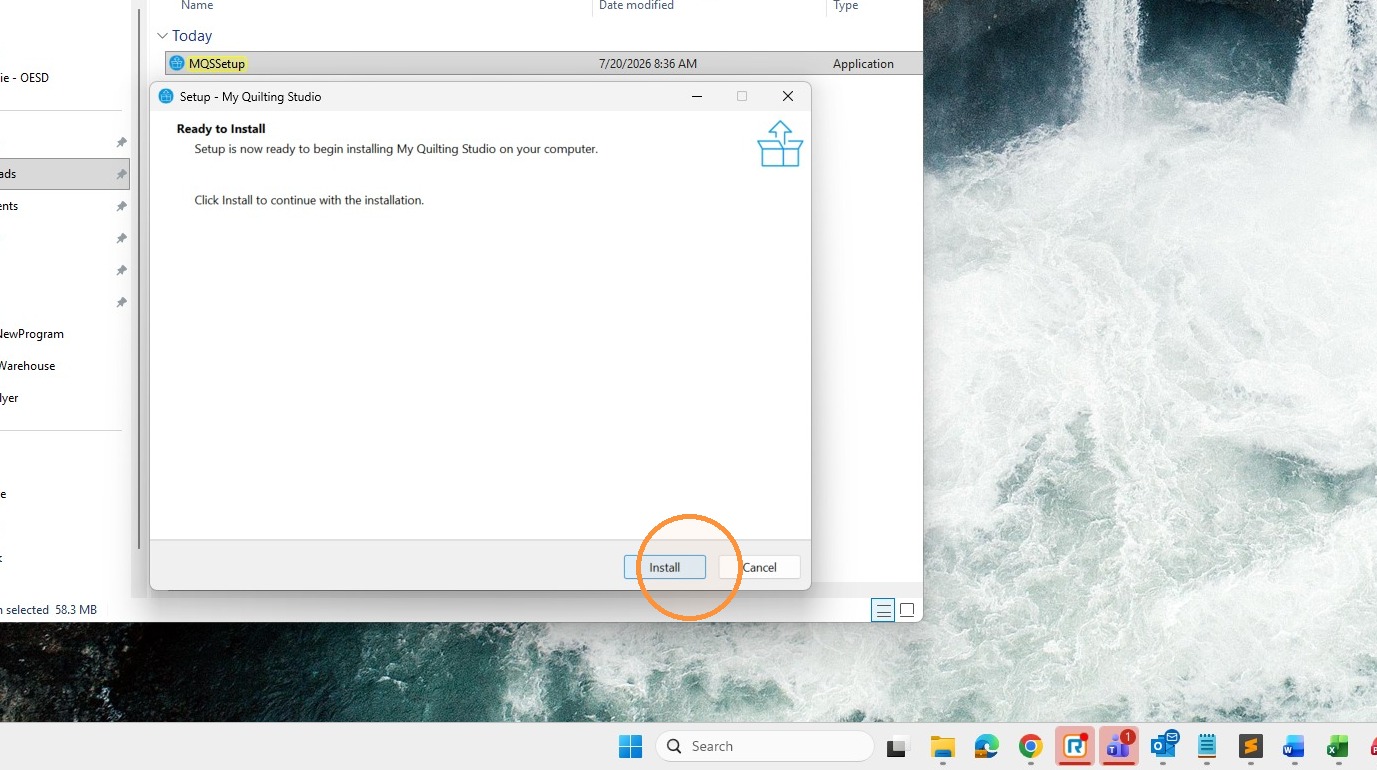
2. Click "Install" to begin the installation process.
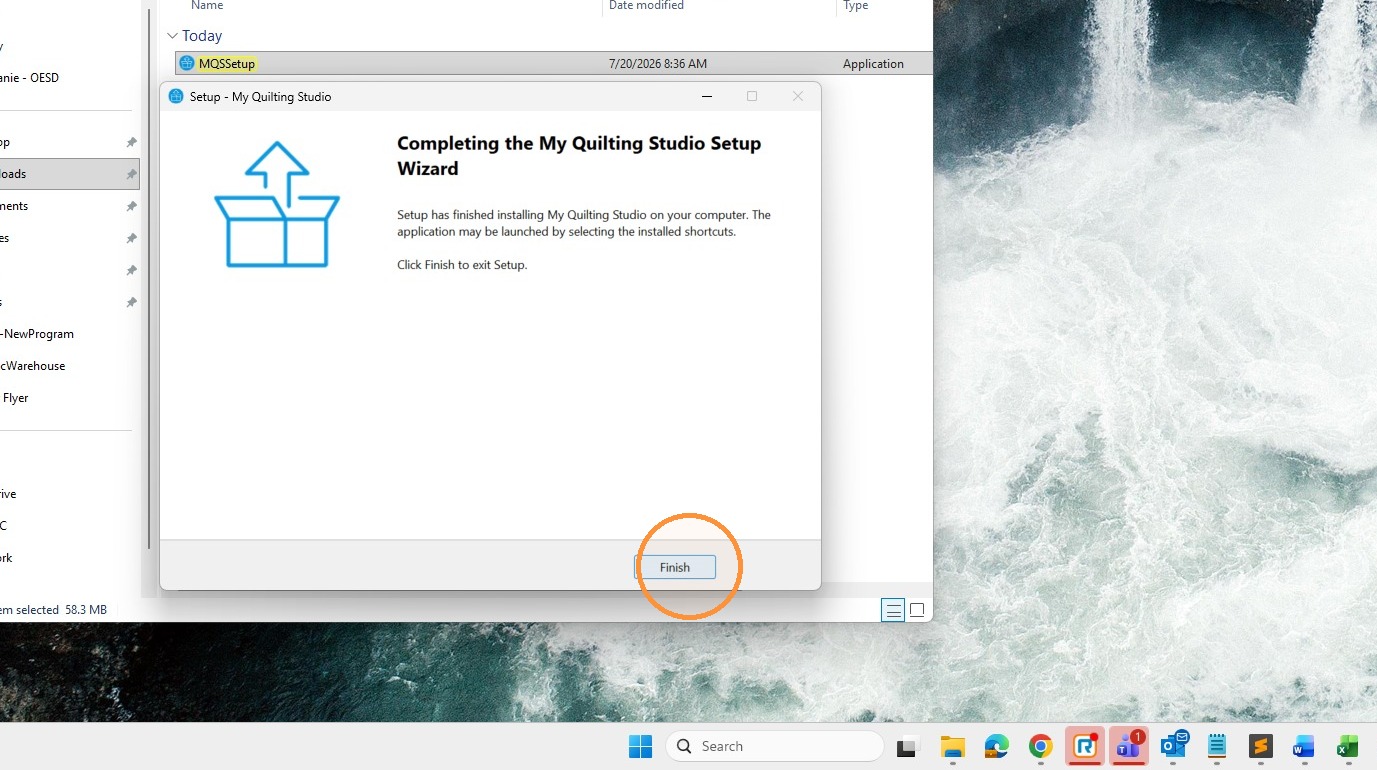
3. Click "Finish" to complete the setup wizard.
Product Registration
4. Double-click the "My Quilting Studio" icon on your desktop to launch the app.

5. Select your software from the dropdown menu
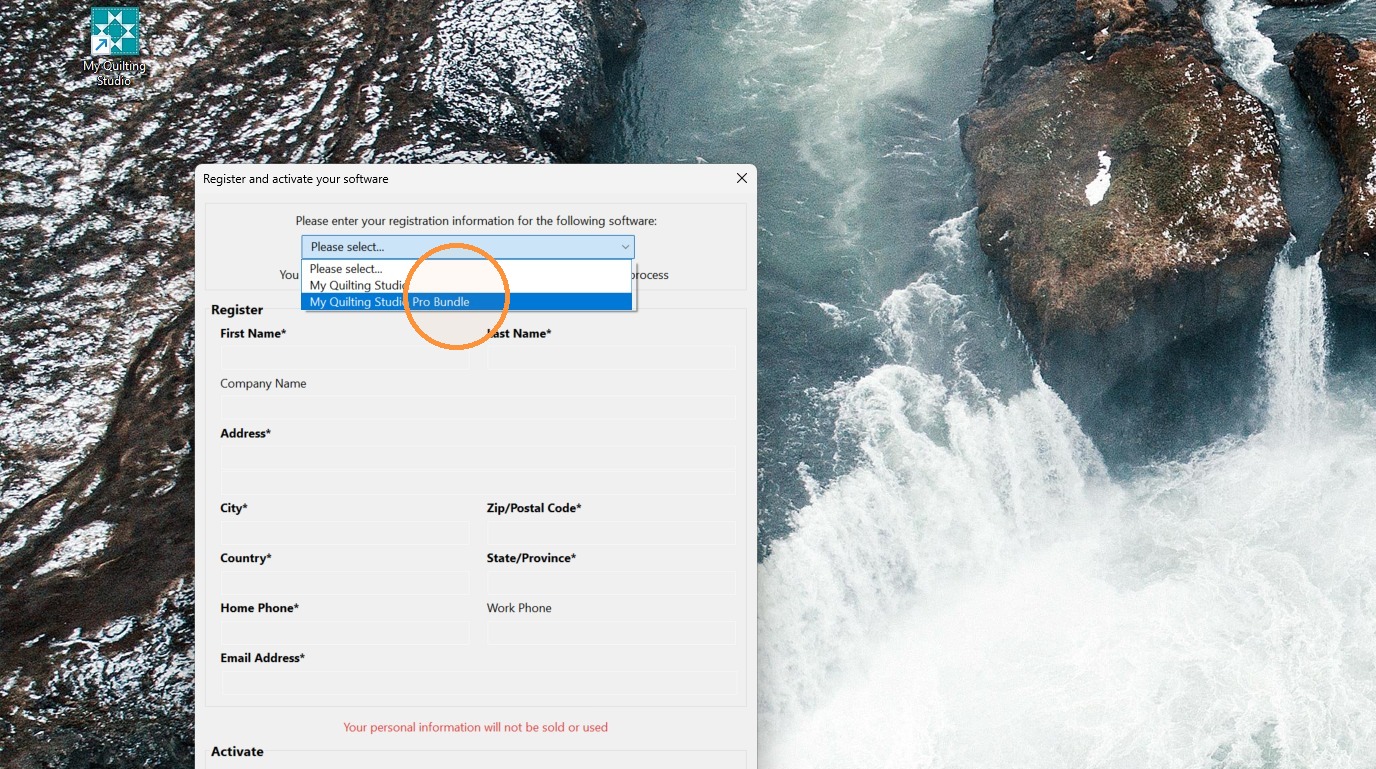
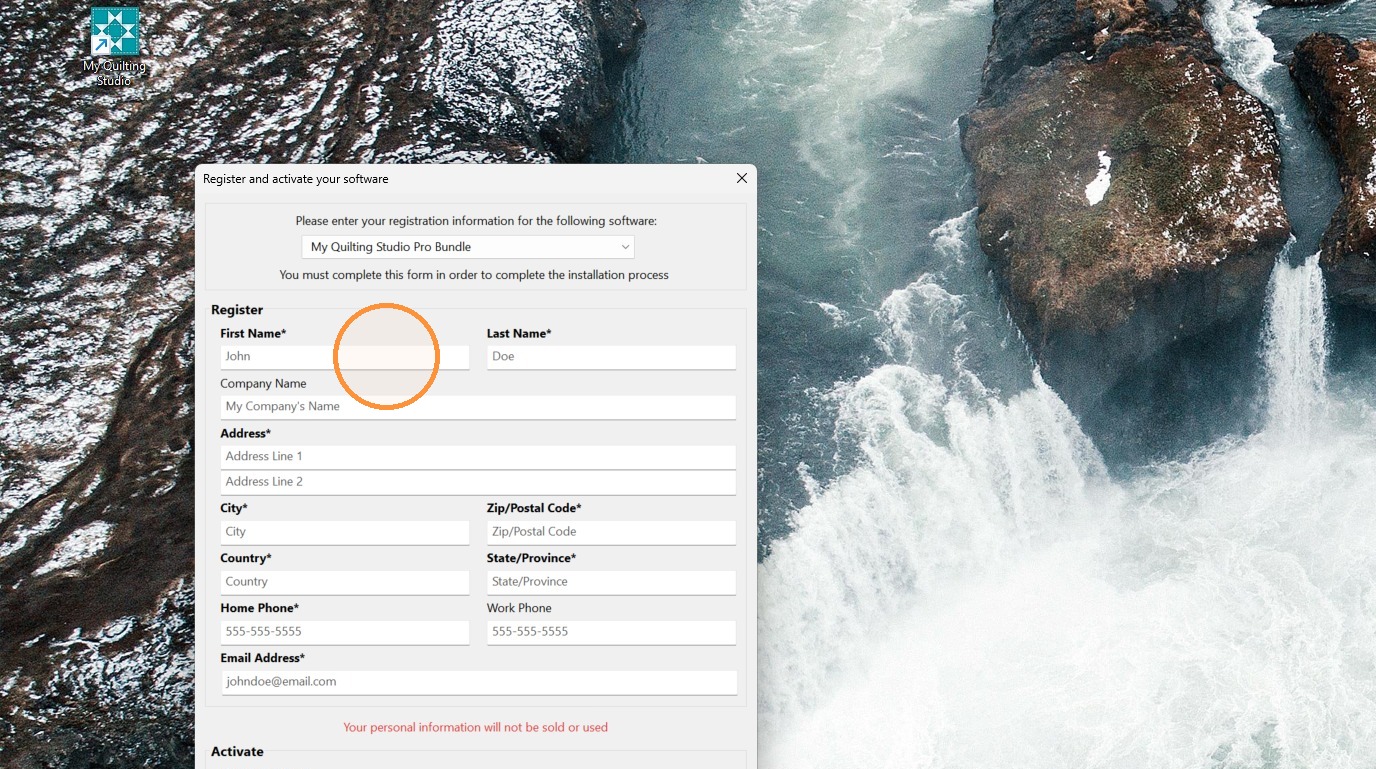
6. Enter your registration details and serial number and then press the Register Now button.
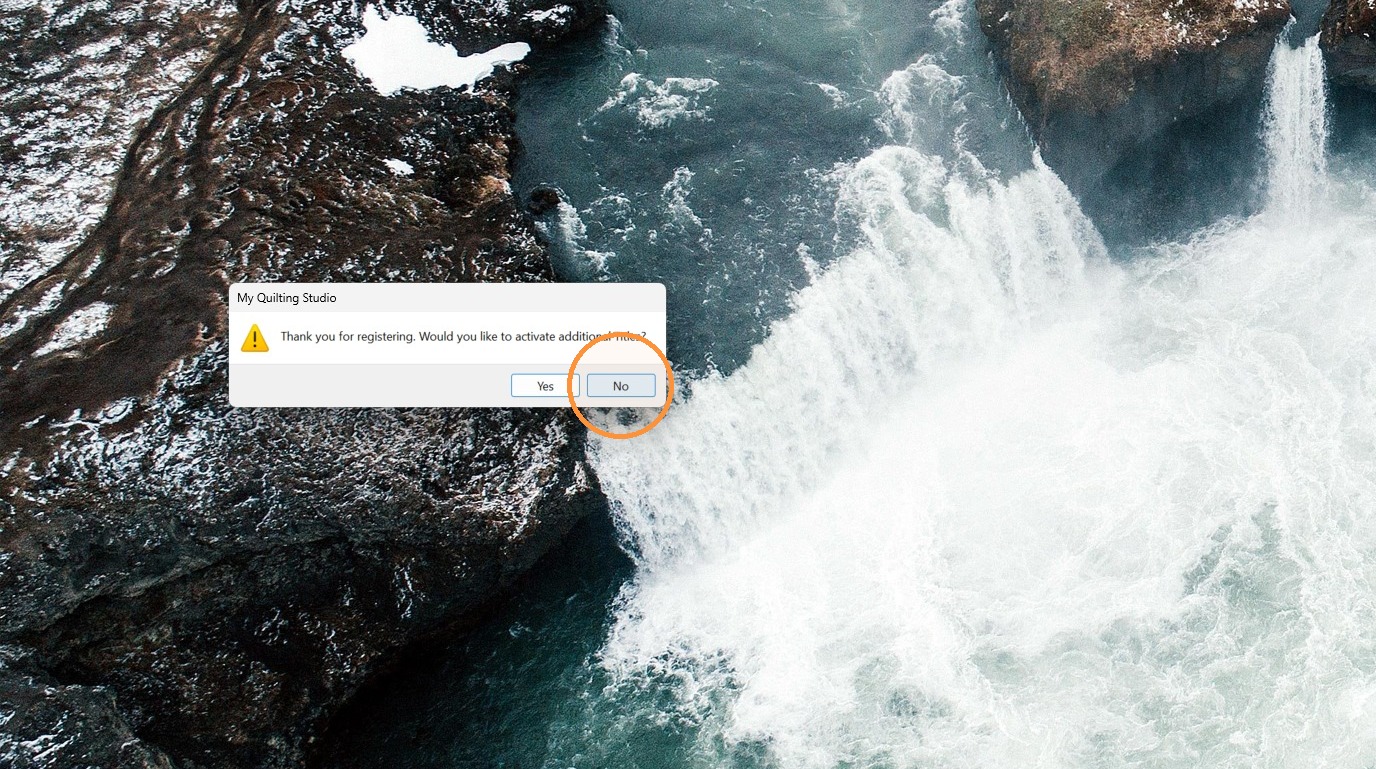
7. Select "No" when asked to activate additional titles, or yes if you have more software to register.
Initial Configuration
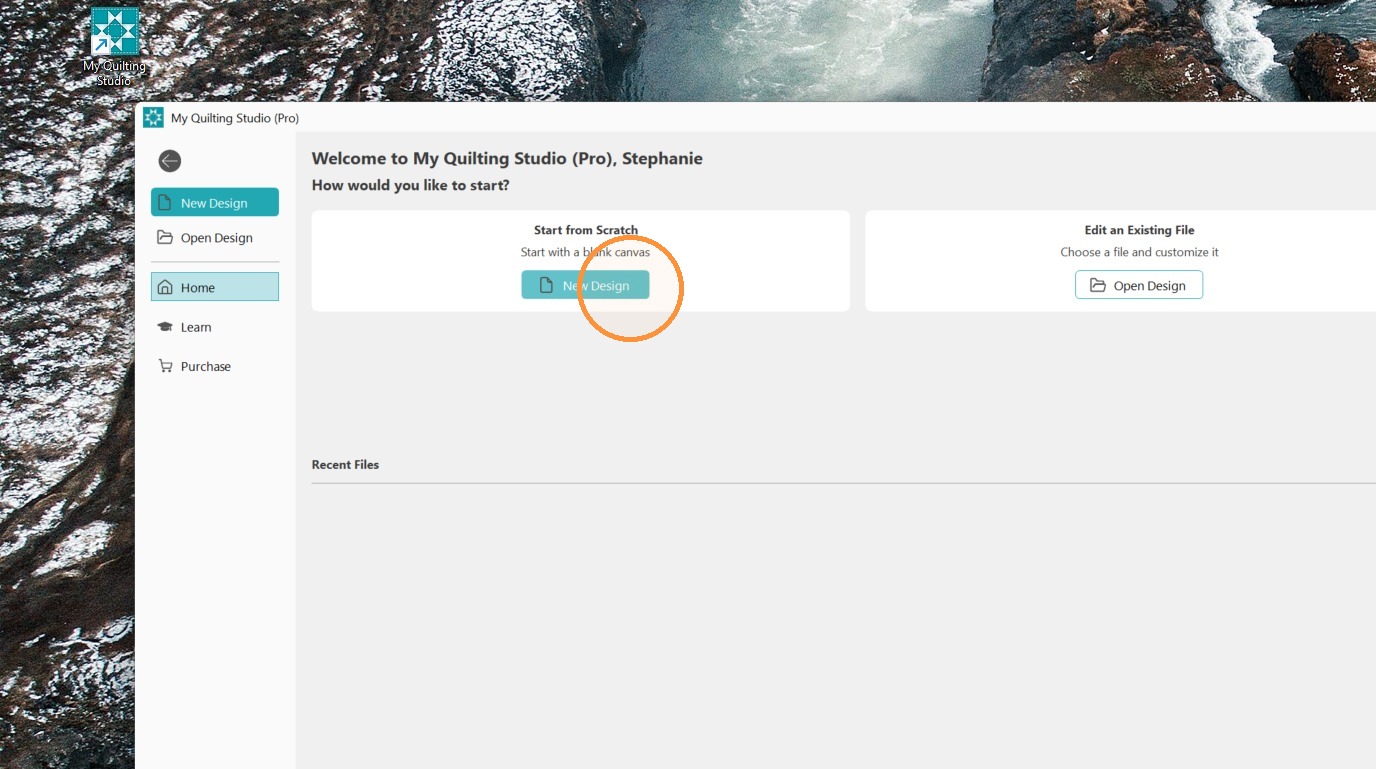
8. Your software is ready to use! You can start a new project from scratch, edit an existing file, or open a design from the home screen.