Where is the User Manual?
Where can I find the User Manual?
My Quilting Studio includes a PDF User Manual that you can view or print at any time. There are several ways to access it:
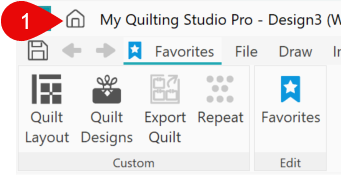
Option 1 – Home Page
- Home page is visible when the software starts, or click the Home icon in the upper-left corner of the workspace.
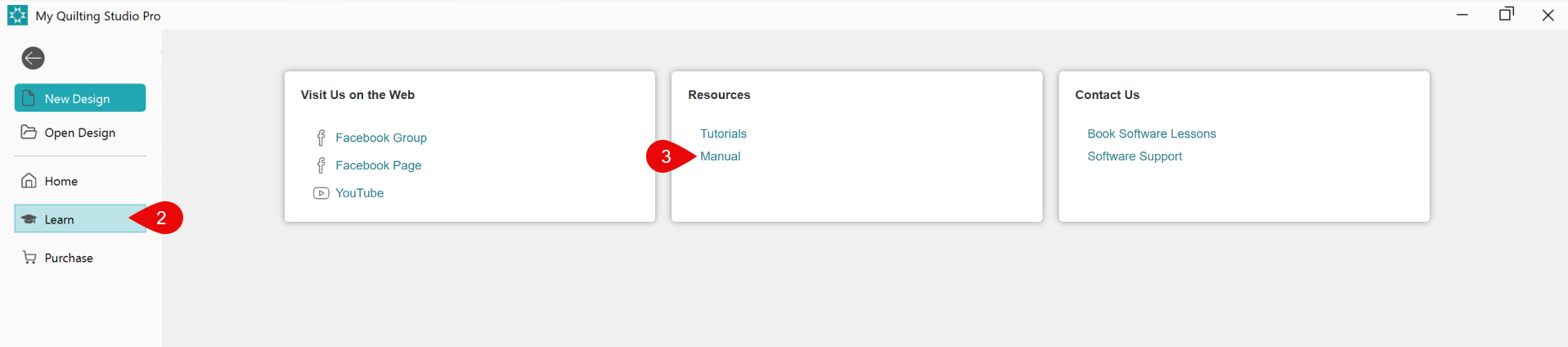
- Click the Learn tab on the left.
- Under Resources, click the Manual link.
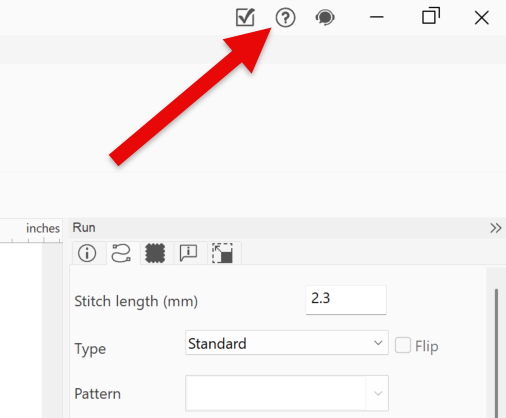
Option 2 – Manual Icon
- Click the ? Icon in the upper-right corner of the workspace.
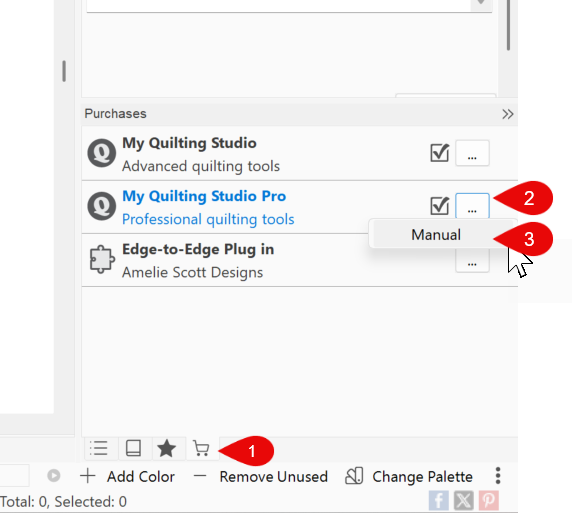
Option 3 – Shopping Cart Tab
- Click the Shopping Cart tab in the lower-right corner of the workspace.
- Click the ellipsis (...) button.
- Select Manual.